System integration builders having a sandbox system can explore an AI chat widget automation that demonstrates the ability to accomplish multiple discreet goals.
If your sandbox system doesn’t yet have an OpenAI API key, obtain one at https://platform.openai.com/settings/organization/api-keys.
Enter the API key into your keyvault via your Admin Console here:
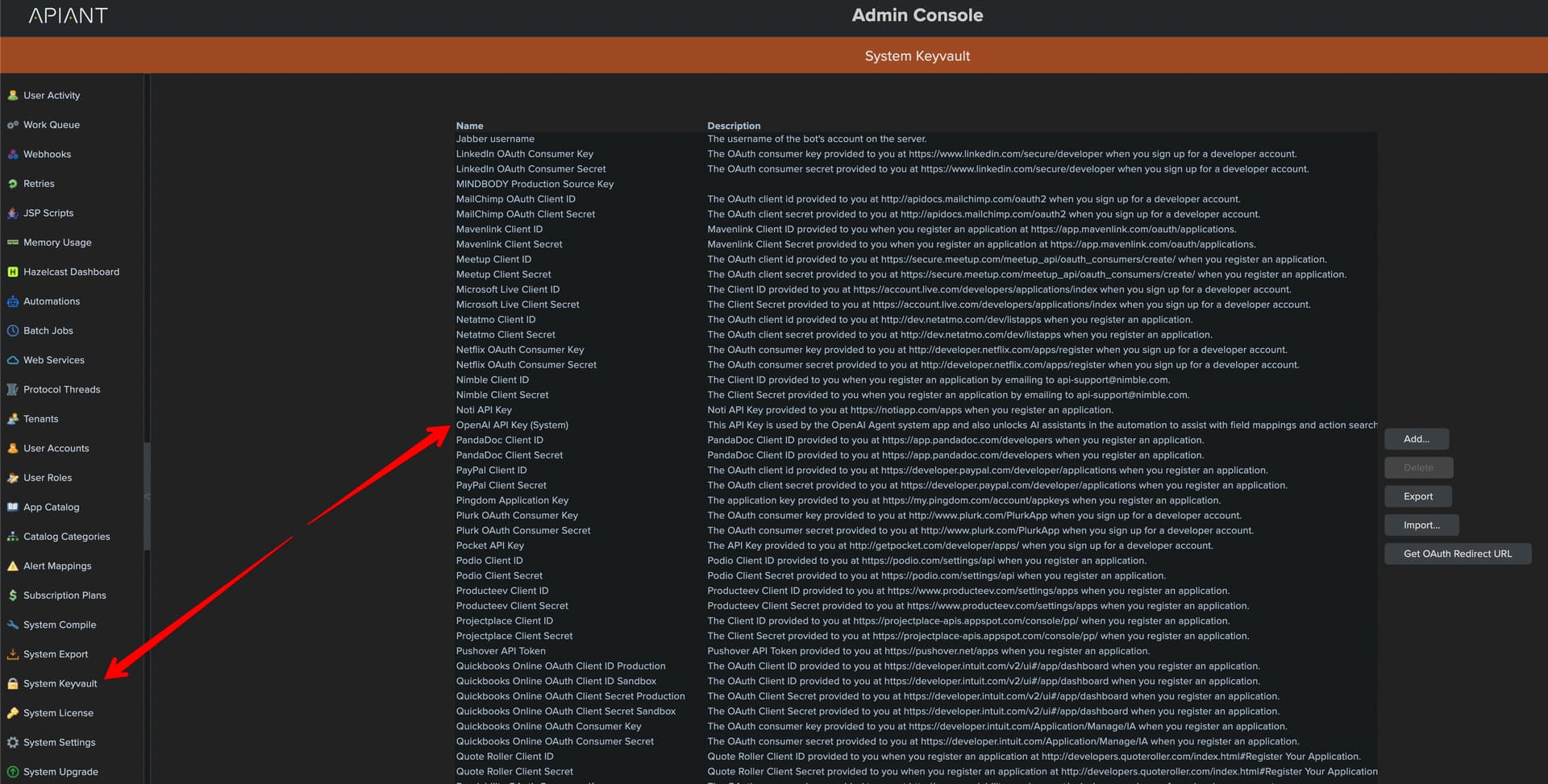
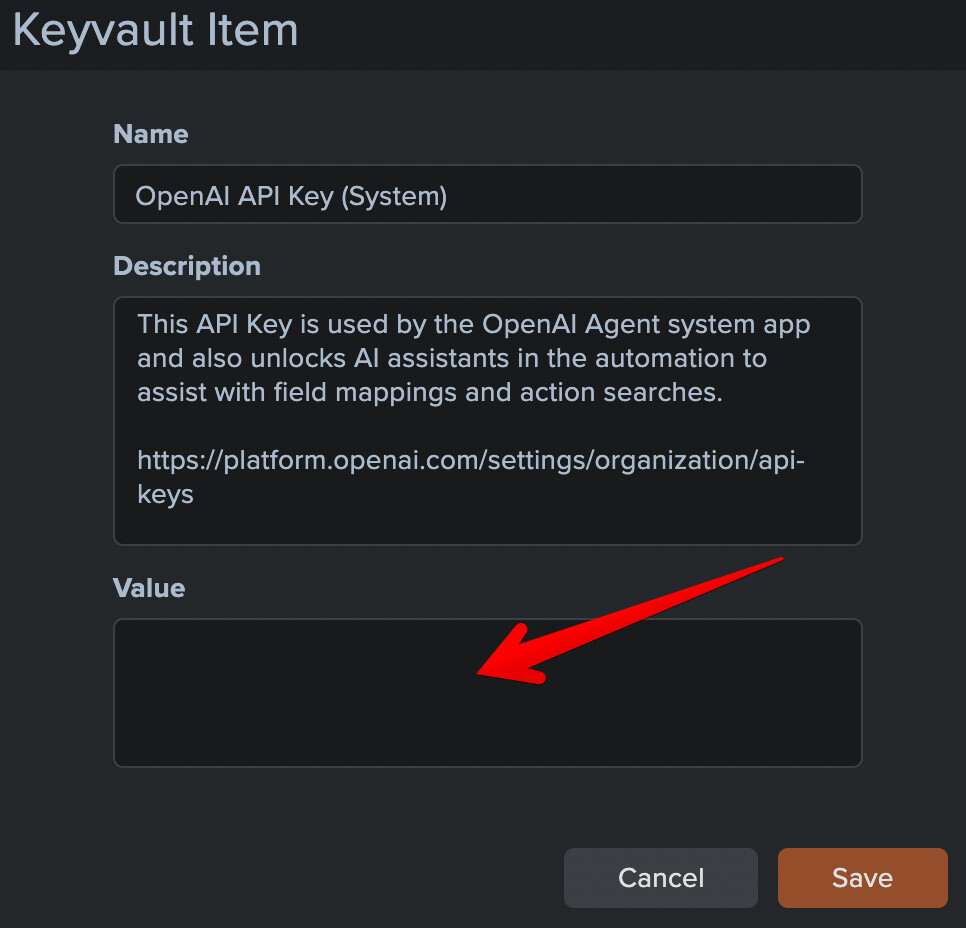
NOTE: entering an OpenAI API key will also unlock AI assistants in the Automation Editor. Currently the system has AI assistants that help with action searches and action field mappings. After entering the OpenAI API key, reload the automation editor to access the AI assistants.
Next, open your automation editor and switch account via the top right account menu:

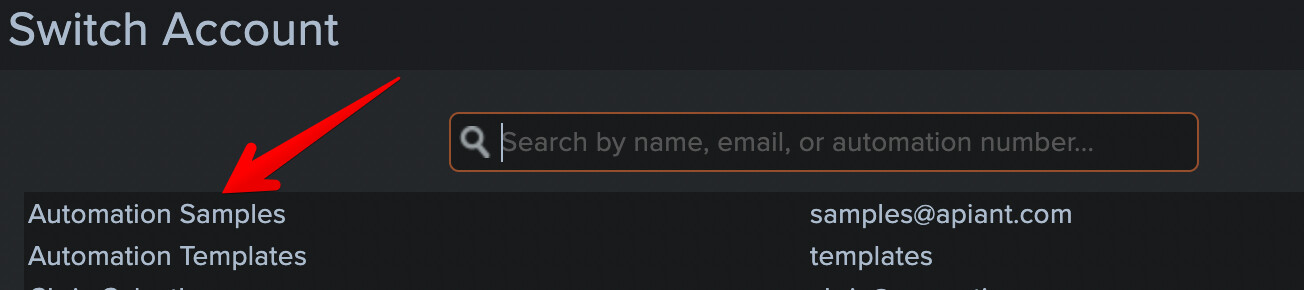
Switch to the Automation Samples account:
The sample account may have many different samples loaded. For this discussion, select the AI Tool sample folder:
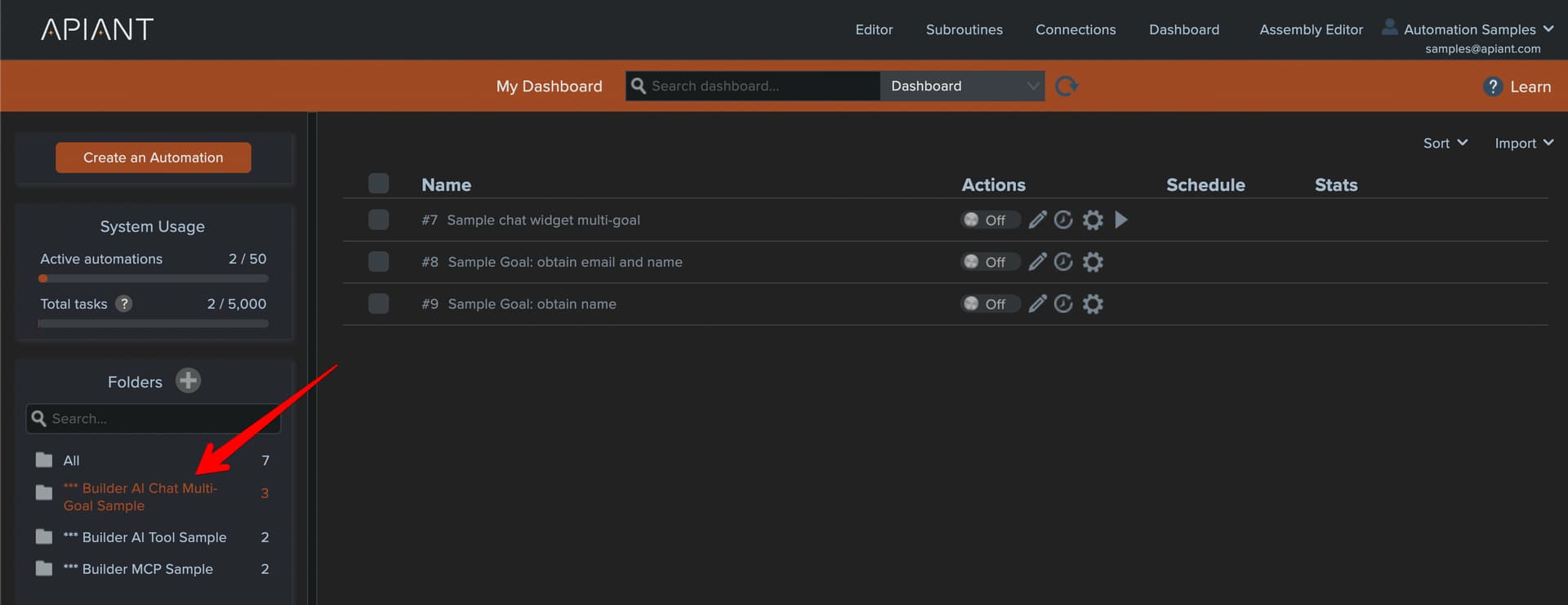
Turn on the three automations then click the play icon on the first to open the chat widget:
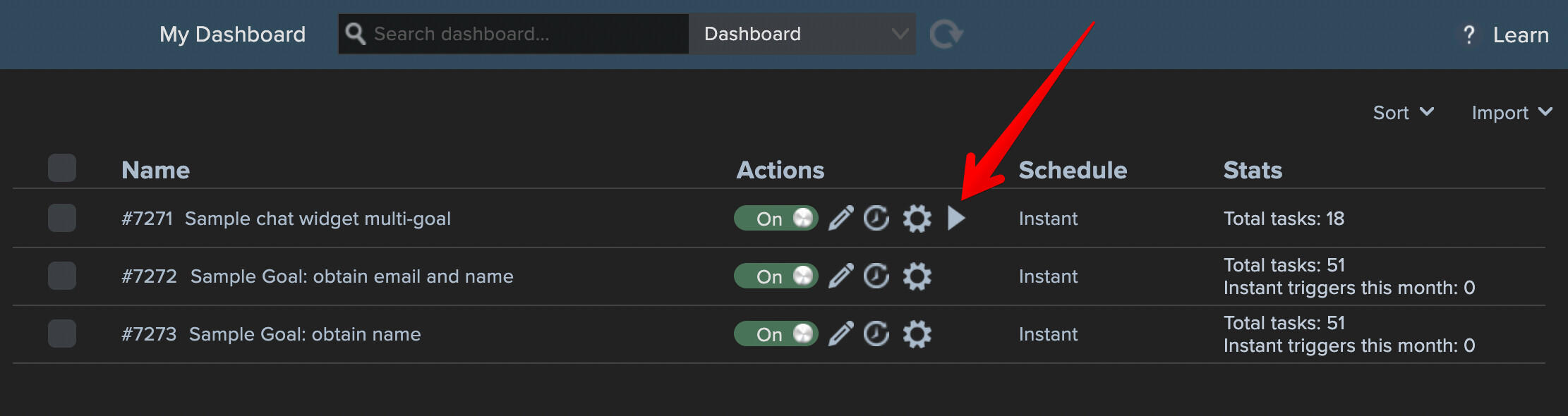
The sample automations demonstrate how to collect two pieces of information, the user’s email and name, during the course of a chat conversation.
Begin by asking a question:
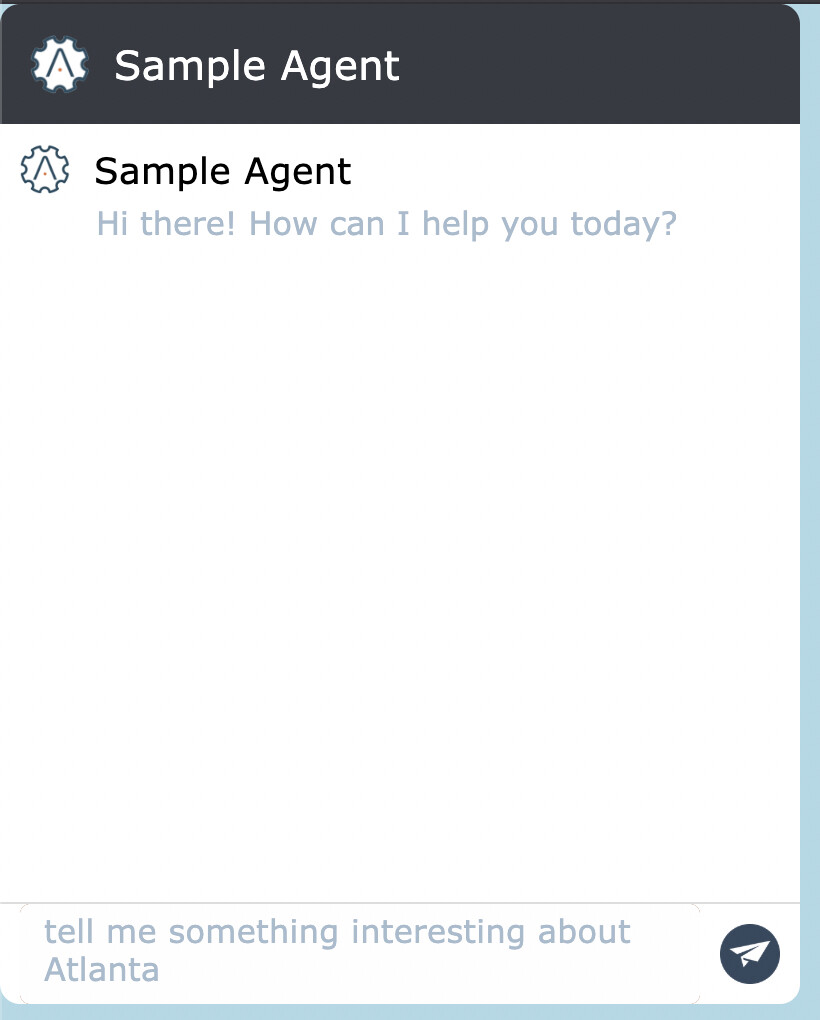
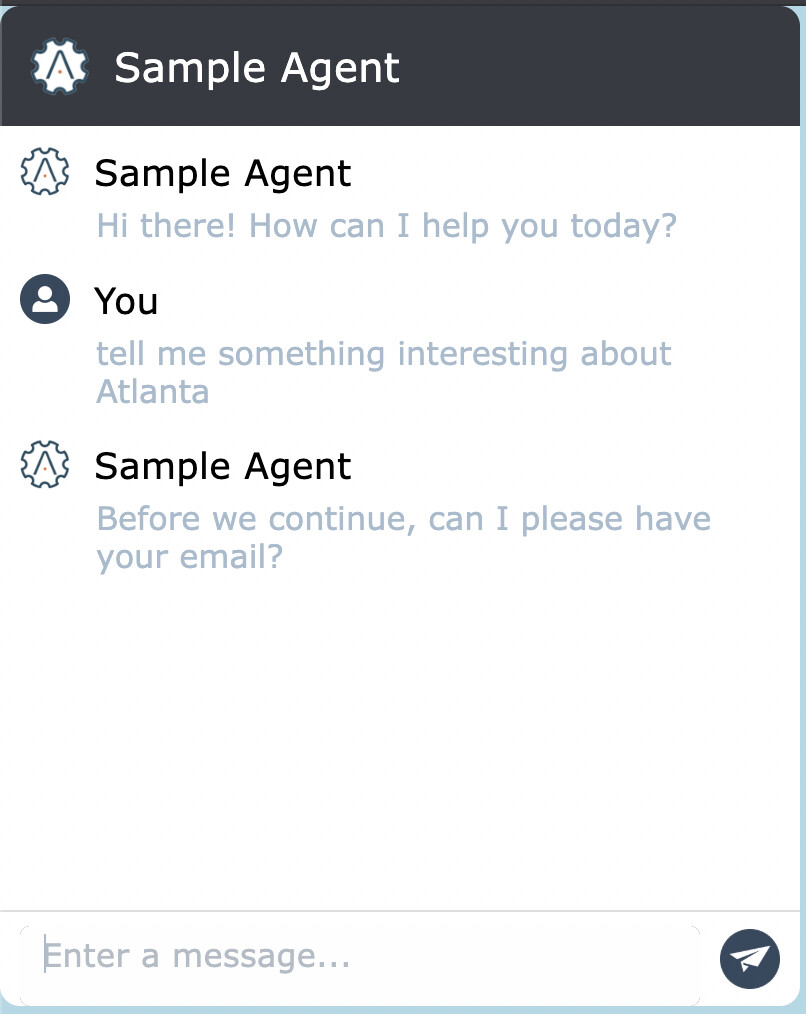
The widget will show a message that your email is needed:
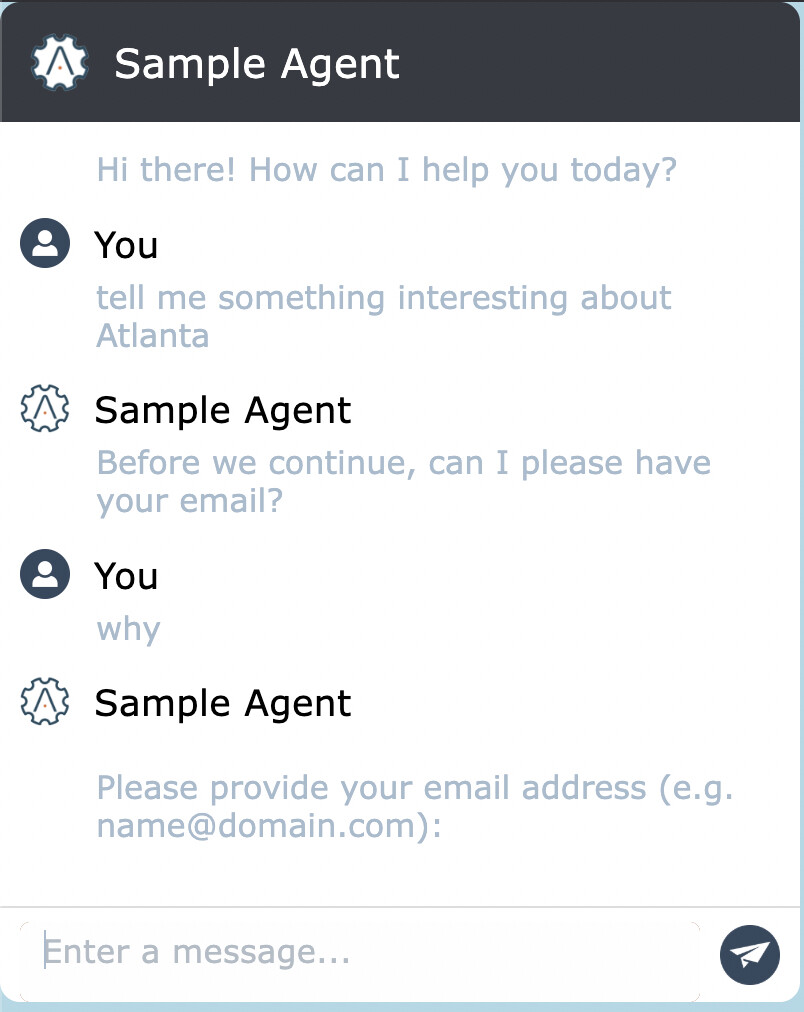
Try not giving your email, or an invalid email syntax. The AI model will keep trying to get you to enter a valid email:
After finally entering a valid email, the widget will then prompt you to enter your name:
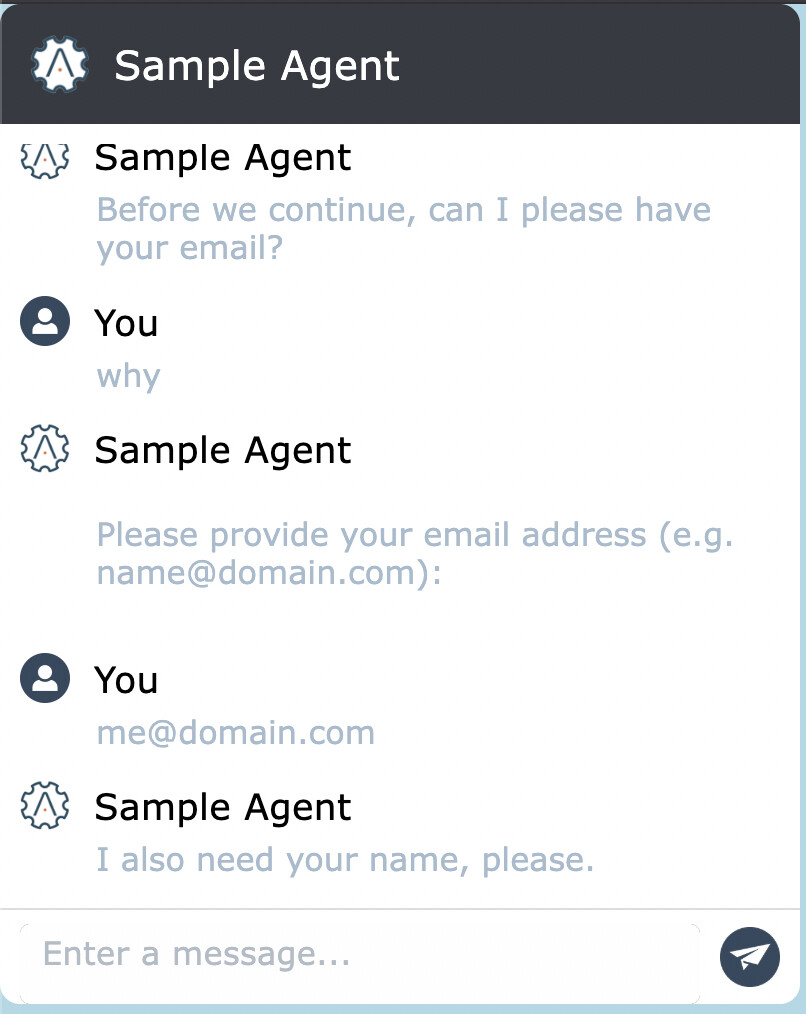
Same as with your email, the AI model will keep prompting until your name is entered.
After your name is finally entered, the AI model will respond with an answer to your initial question:
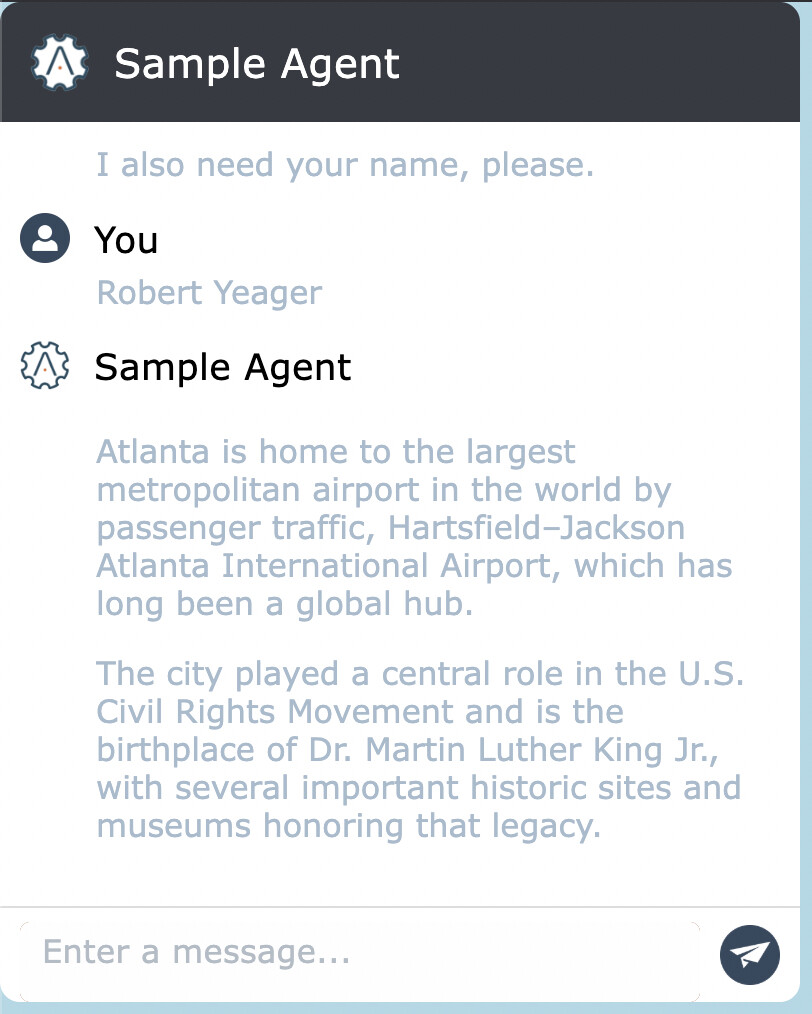
The sample demonstrates a basic technique for steering a chat conversation to obtain needed information from the user. In practice, the goal automation logic will likely need to perform additional validation checks on the user-provided information, such as looking up their email address in a system.
Also note how two separate goal automations are each requesting a single piece of information. This was done just to show how multiple goal automations can be chained together. It is possible that the goals of obtaining both the name and email of the user are done by a single goal automation.
For information on the construction of this sample, see Chatbot goal automations - APIANT